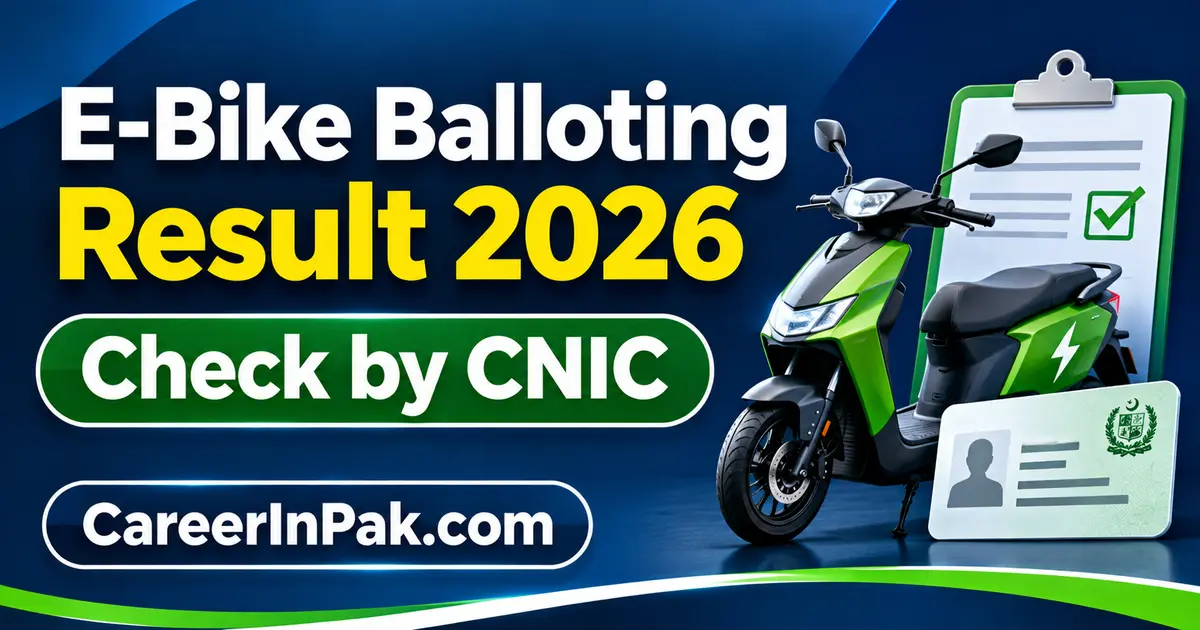
The Punjab government runs an electric bike scheme for students, and the selection of applicants is done through a computerized balloting process. Students who completed their registration are now waiting for the E-Bike Balloting Result 2026. This guide explains where the result will appear, how to check it by CNIC, what selection means, and how to stay safe from fake result websites.
1. E-Bike Balloting Result 2026 at a Glance
| Scheme | CM Punjab E-Bike Scheme 2026 (Phase 2) |
| Result | E-Bike Balloting Result 2026 |
| Expected window | First week of November 2026 |
| How to check | By CNIC or application details on the official portal |
| Official portal | bikes.punjab.gov.pk |
| Province | Punjab |
| Selection method | Computerized balloting |
| Who can check | Students who successfully submitted an application |
Important note: the exact balloting date has not been officially confirmed yet. The first week of November 2026 is the expected window mentioned in scheme coverage, and the distribution of bikes is reported to begin around 5 November 2026. Treat every date in this article as subject to official confirmation, and always verify the final announcement on the official portal.
2. Why Balloting Is Held
Popular government schemes usually receive far more applications than the number of bikes available. Instead of choosing applicants by hand, the authorities use a computerized draw so that every eligible applicant has a fair chance. Registration alone does not mean selection. Only applicants whose names come up in the balloting are moved to the next stage.
3. How to Check E Bike Balloting Result 2026 by CNIC
Once the result is released on the official portal, follow these steps:
- Open the official Punjab e-bike portal, bikes.punjab.gov.pk, in your browser.
- Look for the balloting result, result, or application status section on the portal.
- Enter your CNIC number, or the application details asked for, exactly as given during registration.
- Submit the details and wait for your selection status to appear.
- Read the status carefully. If you are selected, read the next-stage instructions shown with it.
- Save or print a copy of the result page for your own record.
Enter your CNIC only on the official portal. If a page that looks like the result portal asks for your CNIC but its web address is different from bikes.punjab.gov.pk, do not enter anything there.
4. What Does "Selected" Mean?
A "Selected" status means your name came up in the computerized balloting. It does not mean a bike will be handed over at once. Selected applicants normally still have to complete verification and formalities before delivery, which may include:
- Checking CNIC details and student status
- Document verification
- Bank or financing formalities, where applicable
- Signing the required agreements
- Any payment or installment steps that apply
- Final approval, followed by delivery
5. What Happens After the Result
After the result appears, selected applicants should follow only the instructions given on the official portal or by the scheme authorities. The usual sequence is verification first, then financing formalities, then final approval and delivery. Do not pay anyone who claims they can confirm your selection, move your name up a list, or arrange faster delivery. No unofficial agent can do that.
6. If Your Result Is Not Showing
If nothing appears when you first check, do not panic. Common reasons include heavy traffic on the portal, the result being uploaded in stages, temporary maintenance, or the result search not being switched on yet. Wait for an official update and try again later on the official portal, rather than turning to an unofficial site.
If your CNIC shows no result even after the result is fully uploaded, first check that you typed the number correctly, without extra spaces or wrong characters. If the problem continues, use the complaint or support option provided on the official portal itself.
7. Warning: Fake Result Websites and Messages
Result announcements attract fake websites, social media pages, and fraud messages. Be especially careful with anyone asking for your CNIC photograph, OTP codes, bank account details, ATM or debit card information, passwords, unofficial processing fees, or personal documents over WhatsApp. The only official portal for this scheme is bikes.punjab.gov.pk. Do not trust screenshots or lists circulating on Facebook, WhatsApp, or TikTok unless the same information is confirmed on the official platform.
8. Frequently Asked Questions
When will the E Bike Balloting Result 2026 be announced?
The result is expected in the first week of November 2026. The exact date is not officially confirmed yet, so check the official portal for the final announcement.
How can I check the result by CNIC?
After the result is released, visit bikes.punjab.gov.pk, open the result or application status section, and enter your CNIC or application details as asked.
What is the official portal?
The official Punjab e-bike portal is bikes.punjab.gov.pk.
What if my name is not in the result?
If you are not selected, keep following the official portal for any waiting lists, further phases, or future opportunities announced by the Punjab government.
Does selection mean I will get the bike immediately?
No. Verification, financing, and other formalities usually come first, and delivery happens only after final approval.
Should I trust an unofficial balloting list?
No. Only a result confirmed through the official Punjab government platform should be treated as authentic, and personal information should never be shared with unofficial websites or agents.
9. Final Word
The E-Bike Balloting Result 2026 is expected in the first week of November 2026. Applicants who registered should check the official portal after the balloting, use their CNIC or application details to verify their status, and ignore any unofficial list or message that asks for sensitive information. This article publishes no official list itself; the official portal remains the only authentic source for your individual result.
Leave a comment
Your email address will not be published. Required fields are marked *